Open Cooks to find people who make dishes you want to try. You can follow a free cook, pay for a subscription or buy a collection of recipes.
Find a cook
- Open the account menu and choose Cooks. Search for a cook by name or open Filters.
- Choose Location, Monthly price or Recipe categories to narrow the list. For nearby cooks, enter a US city or ZIP code and the distance to search.
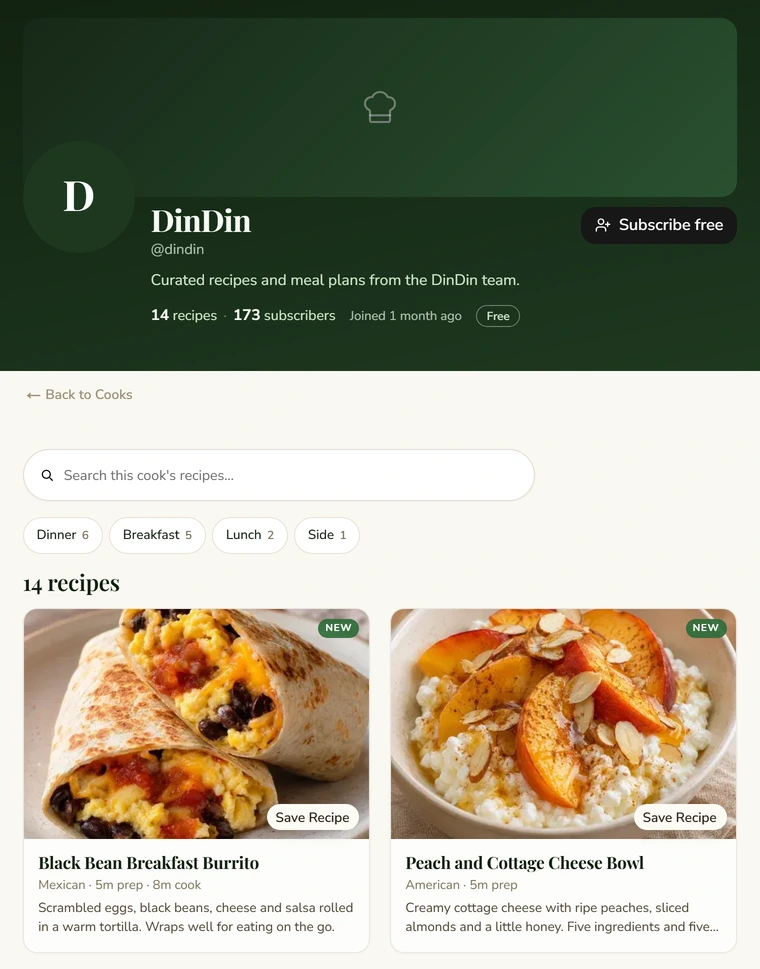
- Open a cook's profile. Sign in to read full recipes you have access to.
Follow or subscribe
Tap Subscribe free for a free cook. For a paid cook, tap the subscription button showing the price, check the terms and complete checkout.
Some recipes are open to any DinDin member. A recipe marked for subscribers needs the cook's subscription or access through a purchased collection. Some recipes are sold only as part of a collection.
Save and plan their recipes
Open a recipe you can read and tap Save recipe if offered. Once it's in your library, you can add it to a meal.