Choose whether members can subscribe to your cook profile for free or pay for access. You can offer either on any DinDin subscription.
Set a price
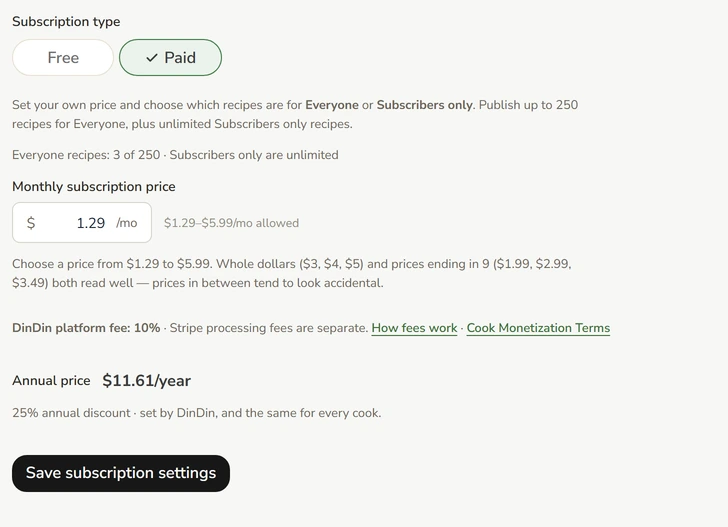
- In Settings, open Subscriptions and find Subscription type for your cook profile.
- Choose free or paid. If you choose paid, enter Monthly subscription price within the range shown.
- Check the annual price and fee in the form, then tap Save subscription settings.
Paid profiles offer an annual subscription at nine times the monthly price. DinDin's subscription fee is 10%. Stripe processing fees are separate. Connect Stripe and finish its setup to receive payments.
Switch to free
Before switching a paid profile to free, bring its published recipe count down to 100 or fewer. Then choose free under Subscription type and save.