Save a website recipe to use it for meal planning and shopping. Start with the link to the recipe itself.
Import the recipe
- Open Recipes, tap Add recipe, then choose Import from URL.
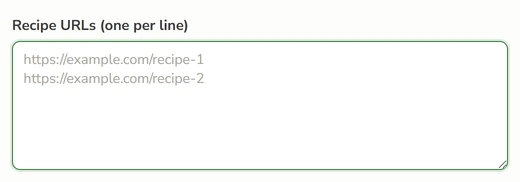
- Paste links in Recipe URLs (one per line).
- Tap Import Recipes. When the import finishes, open the saved recipes.
If a link fails, try the direct recipe page. If the site blocks access or requires a sign-in, enter the recipe by hand or use a photo you can save for personal use.
Check before you cook
Read the servings, ingredients, steps and times. Nutrition is included when the site supplies figures DinDin can read. Check prepared ingredients as well as the ingredient list if you're cooking for someone with an allergy.
If Ingredient lines to check appears or DinDin asks about a long wait, review those details before shopping or planning.