If an ingredient needs to stay out of meals for everyone, record it in your household restrictions. Use a person's own Food allergies for an allergy that applies to just them. These settings are editable on the Essentials or Complete subscription.
Set rules for the household
In Profile, open Dietary restrictions. DinDin keeps these restrictions on recipe requests, including when you choose Focus on this request.
- Under Dietary needs, choose named diets such as Low-carb, Low-sodium or Gluten-free.
- Under Food allergies, add ingredients someone reacts to that you want excluded for everyone.
- Under Religious / cultural needs, type the rule you want recipe suggestions to follow and tap Add.
Use Foods to avoid in Taste for other ingredients, dishes or cuisines your household wants to exclude. It also stays with your recipe requests. If a usual diet isn't listed, describe it in Additional guidance. Use Special notes for a one-time request.
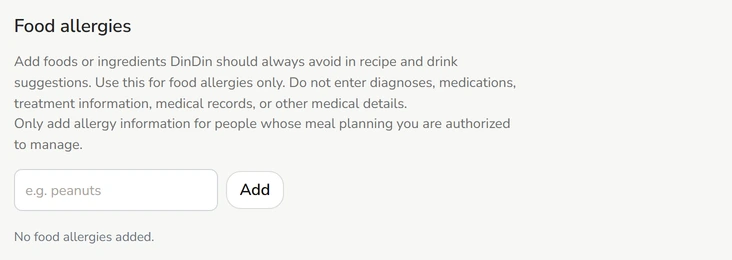
Record one person's allergy
- In Profile, open Household and choose the person.
- Under their Food allergies, type the ingredient name and tap Add. Use the remove button next to an ingredient to clear it.
DinDin may suggest a change for that person's portion. The ingredient can still appear in a meal they eat. Changes to allergy settings do not rewrite saved recipes or recheck meals on the calendar.