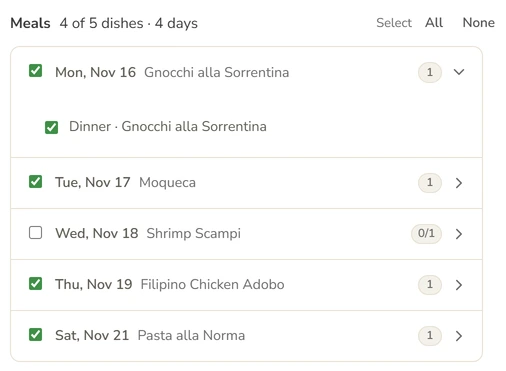
Use Choose dates & meals to shop for only part of your plan. Your choices change what goes on the grocery list for this trip and leave the calendar as it was.
Pick the dishes to include
- Open Groceries and tap the date-range and meal-count button.
- Set Date range. Use Show meals for to find one or more people's dishes when needed.
- Open a date and tick the meals or dishes you want to buy for. Under Select, All includes the dishes and None clears the selection.
- Tap Done.
Selection controls what contributes to the list. The person filter helps you find dishes to select. Hand-added items and Pantry restocks stay on the list.