Use the recipe's camera button to add a picture or replace its current photo. You can upload your own picture or link to one on any subscription.
Pick how to add the photo
- Open an editable recipe you own and tap the camera button. It opens Add a photo or Replace photo.
- Upload lets you use an image file or paste a picture.
- Link lets you use the address of an image you can use.
- Generate makes a photo from the recipe title and ingredients. It requires the Essentials or Complete subscription.
Generate a photo
- Tap Generate. Add a title or ingredients to the recipe first if prompted.
- Check the estimated cost and choose Image quality if offered.
- Start the request. The new photo replaces the existing one when it's ready.
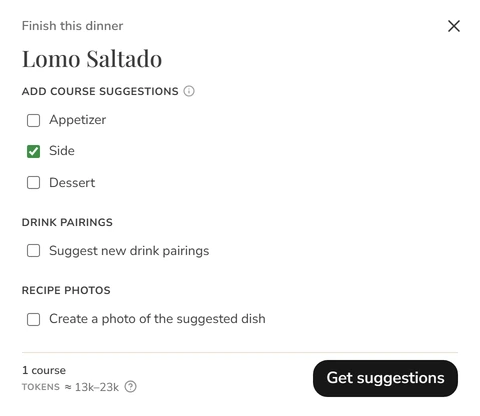
You can also generate photos while reviewing new recipes or when you ask for courses to go with a main.