Connect Stripe to get paid for sales or paid subscriptions to your cook profile. Stripe collects the payments, pays you directly and handles its tax documents.
Connect Stripe
- Open Subscriptions in Settings.
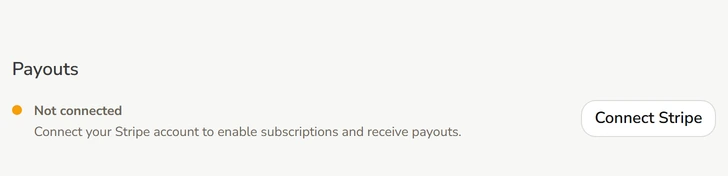
- Under Payouts, tap Connect Stripe and provide the information Stripe requests.
- Return to Payouts and check your status. If Stripe asks for more information, complete it and tap Check again.
A free profile can accept free subscribers without Stripe. Setting a price for a paid profile doesn't start payouts until Stripe approves the account.
See earnings and payout timing
In Subscriptions, find Earnings and tap View breakdown. For payout status and the expected date, tap View on Stripe and check the payout schedule there.