When the same instruction comes up in recipe requests, save it in Profile. For example, ask DinDin to keep sauces separate so you can reheat portions without them.
Save guidance for your household
- In Profile, open AI preferences on the Essentials or Complete subscription.
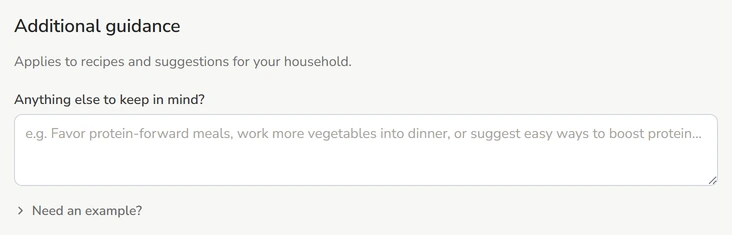
- Under Additional guidance, type your instruction in Anything else to keep in mind?. Tap Need an example? if you want a starting point.
DinDin can use this when you make requests with My full profile. If you're asking for one particular dish, your note can guide how it's made. Use the dedicated allergy and diet settings for food rules, or Special notes for a one-time request.
Add a note for one person
In Profile, open Household, choose the person and enter the tip under Notes. For example, say that the person likes vegetables cooked until soft. DinDin can use that note when they eat the meal.
Choose recipe sites
Open Recipe sites in AI preferences. Under Favorite recipe sites, enter a website address to give it preference in web recipe searches. Use Avoid recipe sites for a site you want to leave out.