Create a cook profile to give the recipes you publish a page of their own. Start with a display name and handle and add the public details you want people to see.
Set up your public profile
- Open Settings and choose Cook Profile.
- In Public profile, enter a Display name and Handle.
- Tap Create profile. Add a bio and photos if you want.
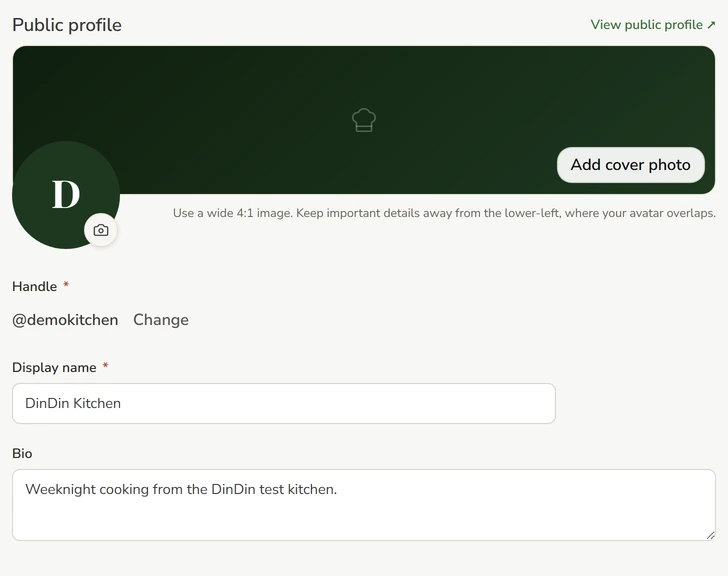
Choose what people see
- Choose Personal under Profile type to show a city and state if you add a location.
- Choose Business to show a public Business address. Enter a street, city, state and ZIP code to publish the full address.
Put your profile online
In Publishing, turn on Publish your cook profile when you're ready. Turning it off takes your profile and published recipes offline. Your published copies and settings are available when you turn it back on. Manage any subscriptions separately.